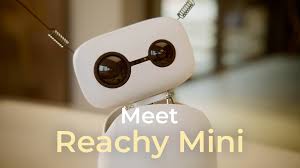
The Privilege of Building Early
Being an early adopter felt like a privilege. It meant joining before the polish, seeing the platform take shape and getting close to the small details that make early hardware charming: cables, docs, community threads, first behaviours and the sense that everyone was learning together.
Reachy Mini appealed to me because it invited participation. The useful work sat in the gaps: the moment a simulator example became real movement, the moment a written guide became parts on a table, and the moment a friendly demo had to become an app someone could understand, run and trust.
The Simulator Was My First Reachy
The first useful decision was to start in the simulator. I could use the official simulation guide, learn the shape of the SDK, test simple behaviours and build my first app before I had the physical robot in front of me.
That mattered because it changed the early adopter experience from passive waiting into active testing. By the time the hardware arrived, I already had questions, assumptions and working code to compare against the real thing.
Learn
SDK methods, simulator limits and first behaviours.
Build
A first app without needing the physical robot.
Compare
What changed when software met motors, sensors and sound.
Then the Box Arrived
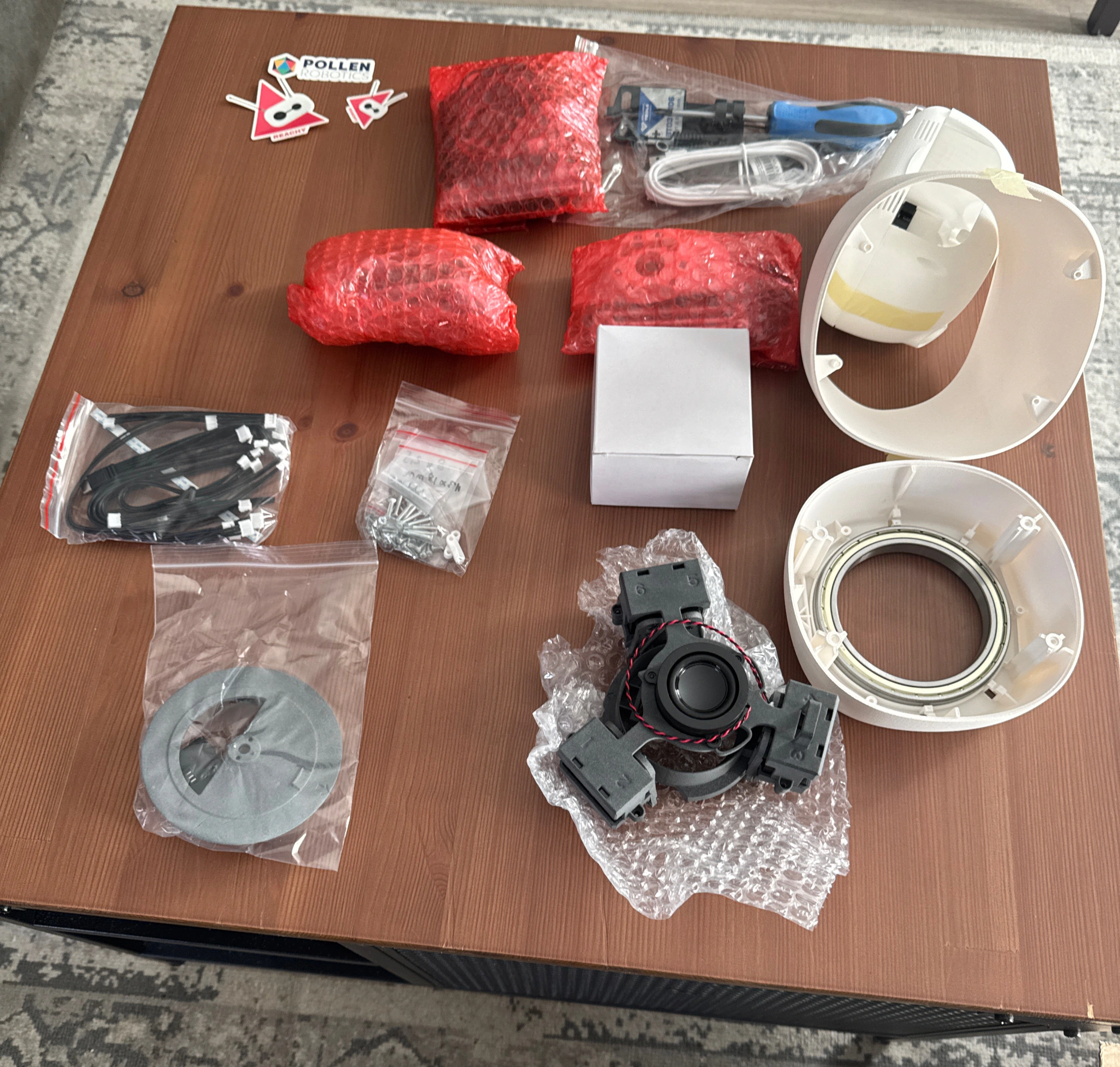
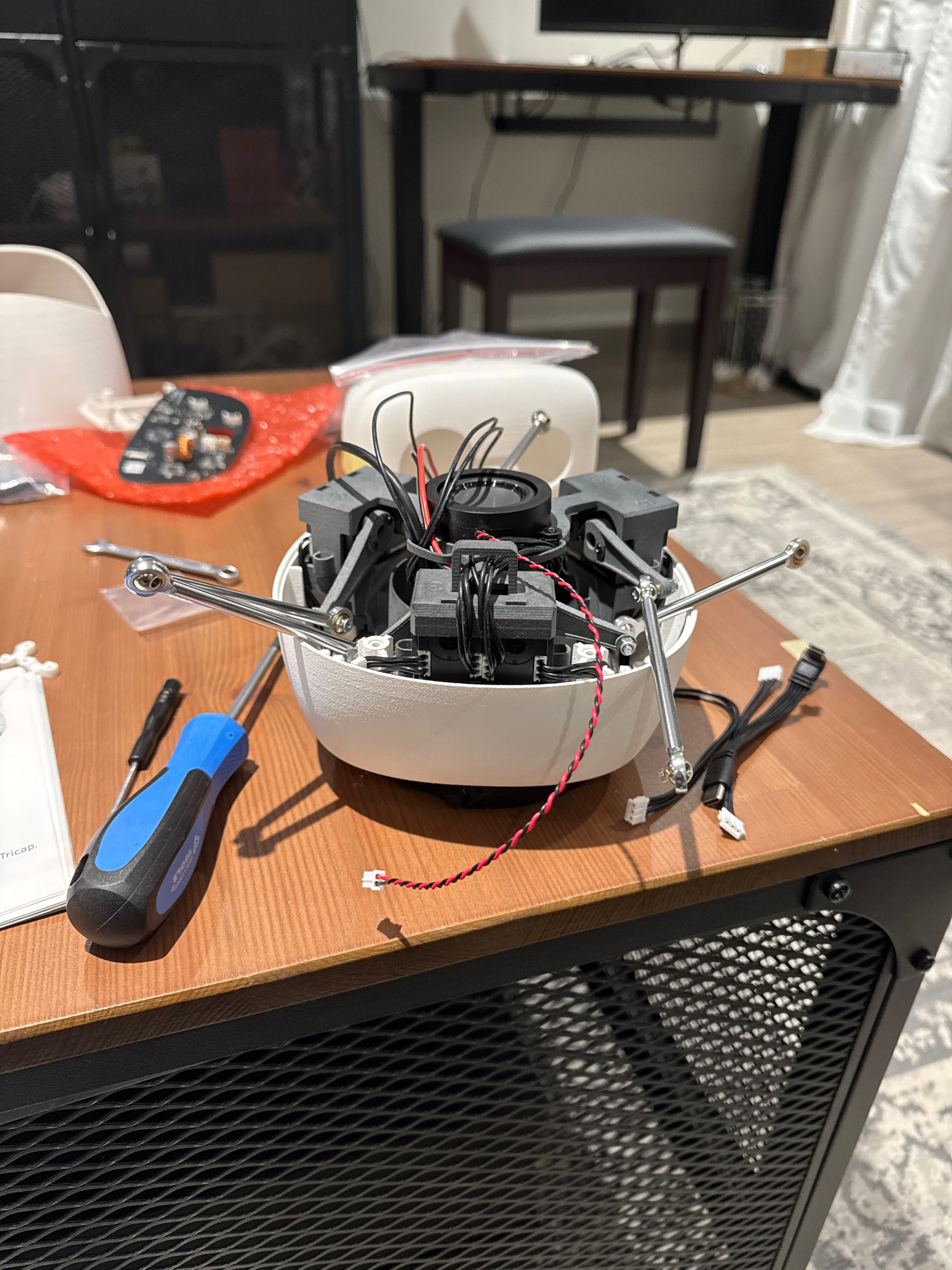
The physical build deserves its own chapter. Assembling Reachy Mini from scratch was hands, tools, tiny decisions and a growing sense that this pile of parts was about to become something with a presence.
There is a different kind of pride in building something with your own hands. The work becomes more intimate. Every screw, connector and careful check makes the final moment feel earned.
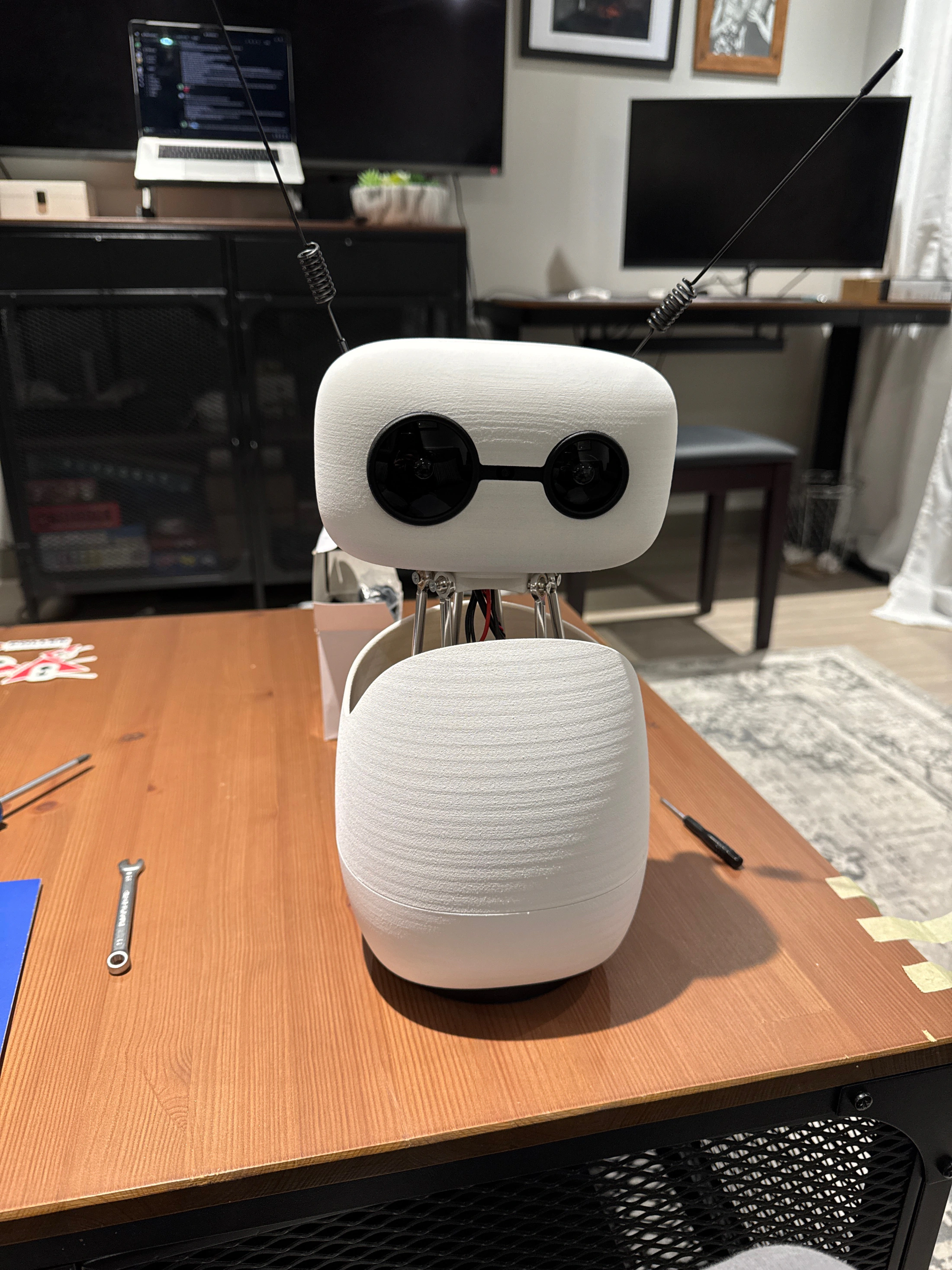
The magical moment was attaching the head. Until then it still felt like a careful build. Once the head was on, it almost came to life immediately. The first switch on made that feeling stronger: the motions were joined by those beautiful flute-like sounds, and suddenly the robot felt less like a kit and more like a small character waking up on the desk.
The Beta Community Made It Bigger
The robot on my desk was only one part of the story. The other part was joining the beta community: around 100 early builders receiving early versions of Reachy Mini before production shipping.
That felt like a proud achievement. It also opened the door to a group of incredible, inspiring and interesting developers who build consistently in robotics and open source. I have loved seeing what people do with their own robots, watching experiments unfold and learning from people building in public.
That community changed the feeling of the project. It was not me tinkering alone. It was a group of people testing, comparing, sharing, breaking things, fixing things and helping a new open source robotics platform grow up in the open.
The Instructions Became Part of the Product
Building the robot was also an onboarding test. When a robot arrives as a kit, the instructions are part of the product. The guide has to help you recognise the parts, trust the order, understand what comes next and recover calmly if something feels uncertain.
That is different from reviewing a finished app screen. I was looking for the places a first-time builder might hesitate, the steps that needed clearer cues and the moments where the jump from guide to physical action could feel smoother.
The practical feedback came from that real friction: following the guide, building confidence step by step, and noticing where the experience could help the next early builder move faster with less doubt.
The production docs now give future builders an official build guide with step-by-step visual support. That feels like the right shape for hardware feedback: specific, practical and easier for the next person to use.
From beta friction to production guidance
As Reachy Mini moved into production, the guidance became more visual: a step-by-step build guide and a full assembly video with chapters. That matters. Good feedback should make the next builder feel less alone.
What Feedback Looked Like
Assembly guide
Was the next step obvious? Did the parts, tools, order and instructions give a first time builder enough confidence to keep going?
Setup and first boot
Where did the handover from assembled hardware to usable robot feel smooth, and where did it need clearer cues?
Simulator to physical robot
Which behaviours carried across cleanly, and which needed adjustment once timing, movement and presence became real?
Developer instructions
Which examples helped app development move quickly, and where did the docs need more practical detail for early builders?
Robotics Started to Feel Reachable
The bigger shift was not just that Reachy Mini was small. It was that Pollen Robotics and Hugging Face made a real robot feel possible for people outside a robotics lab. The launch pricing put the Lite version at $299 and the wireless version at $449, before taxes and shipping. Still a considered buy. But a very different doorway from most hardware.
The comparison is not like-for-like, but it shows the shift. Unitree lists its G1 humanoid from $13.5K before tax and shipping, while Reachy 2-class research humanoids are listed around $70K+. Reachy Mini changes the starting line.
The skills barrier felt lower too. Python examples, simulation, an approachable SDK and Hugging Face Spaces meant the work could start with a question, not a lab setup. AI assisted coding made that even more powerful: builders could move from idea to experiment faster, learn by trying and use the robot as a physical way to test what their software actually did.
That is why the community matters so much. People are sharing small demos, strange experiments, repair notes, apps, prompts and lessons in public. A tiny robot has become a shared learning surface for people who want to understand robotics by building with it.
Why Reachy Mini changes the starting line
The leap is not one feature. The official Reachy Mini details show the mix of modalities: expressive movement, vision, voice, sound, AI, simulation, code and a public app ecosystem. The official fully local conversation guide adds another important layer: builders can experiment with local speech and model pipelines, not only hosted AI services. A builder can move from software to physical behaviour, then share the result with other people learning in the open. The Reachy Mini community apps on Hugging Face make community builds visible, forkable and ready to try.
It makes robotics feel practical.
The price point, simulator and SDK let an individual builder start before the hardware arrives.
It makes feedback richer.
Movement, camera, microphones, sound and AI move testing beyond the screen. The robot reacts, moves and has presence.
It makes learning visible.
Local model options and community apps let people adapt, publish, fork and learn together.

What I learned
Early adopter work is not waiting for polish. It is joining early, building seriously, learning in public and making the feedback useful.